
Midjourney Prompt Guide: Order, Words and Parameters
What Midjourney reads first, which words earn their place, and what --ar and --stylize actually do to a batch.
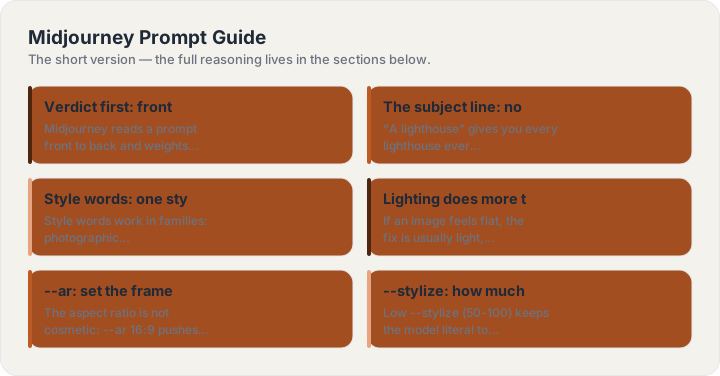
Verdict first: front-load the subject, end with parameters
Midjourney reads a prompt front to back and weights what comes first. So the working order is: subject, then style words, then lighting and atmosphere, then the parameter tail (--ar, --stylize, --v). A prompt that opens with “beautiful, stunning, masterpiece” spends its strongest position on adjectives every image already has. Spend the front on what only your image has: the subject and its specifics.
The subject line: nouns and concrete detail
“A lighthouse” gives you every lighthouse ever averaged. “A brick lighthouse with a green lantern room on a basalt shelf, waves breaking left” gives the model decisions to render. Two or three concrete details — material, weather, action — beat any number of quality adjectives. If you would not say it to a photographer, cut it.
Style words: one style family per prompt
Style words work in families: photographic (editorial, documentary, 35mm, film grain), illustrated (risograph, watercolor, linocut, gouache), rendered (3D, clay, isometric, paper craft). Mixing families — “photorealistic watercolor 3D render” — makes the model average them into mush. Pick the family, then use two or three words from inside it.
Lighting does more than adjectives
If an image feels flat, the fix is usually light, not more style: golden hour, overcast soft, rim light against dark, neon practicals at night, clean studio softbox. Lighting words change mood, depth and material reading all at once — it is the highest-leverage line after the subject.
--ar: set the frame before you generate
The aspect ratio is not cosmetic: --ar 16:9 pushes toward wide compositions, --ar 4:5 toward tight verticals, --ar 1:1 toward centered subjects. Choosing it upfront saves regenerating for crop. The common map: 3:2 for landscapes, 4:5 for feed, 16:9 for hero banners, 9:16 for stories.
--stylize: how much rope you are giving
Low --stylize (50-100) keeps the model literal to your words; high (500+) lets it decorate. Product and documentary work wants low; concept and poster work wants high. When a batch keeps ignoring your subject, drop stylize before you rewrite the prompt — the parameter is often the actual culprit.
Iteration: vary, then remaster
The workflow that converges: generate a wide batch, vary the two closest, then remaster or upscale the winner. If four of six images miss in the same way, that is a prompt problem — fix the subject line, not the seeds. And keep a note of your five best-performing prompts; your own history is the best template library you will ever have. To assemble a fresh one without remembering any of this, the Midjourney generator on this site builds the line in the working order, parameters included.

Build one now
The Midjourney Prompt Generator turns a subject line into this guide’s structure — four parts, labeled, copyable in one click.
Keep reading
Frequently asked questions
Do I need to memorize any of this?
No — the four parts are the whole system, and the generator on this site assembles them for you. The guides exist for the moment you want to know why an answer came back the way it did.
Do these techniques work outside ChatGPT?
Yes — the structure (role, task, format, rules) is model-agnostic and works in Claude, Gemini and image models alike. Only the parameter tail on image prompts is tool-specific.